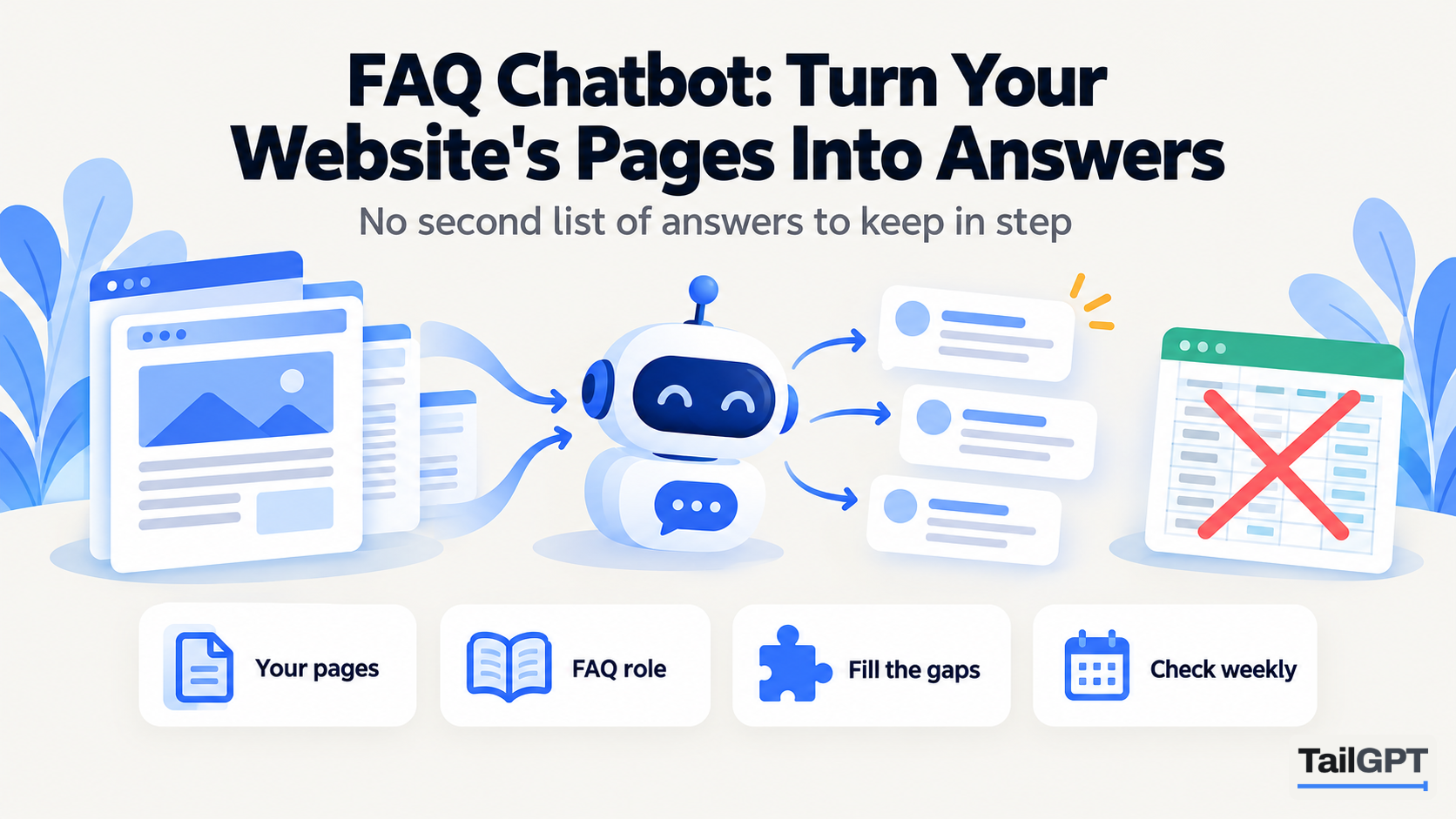
Most FAQ chatbots start the same way: somebody opens a builder and types out questions and answers, one pair at a time. Fifty pairs later the bot works, and the website's own FAQ page now has a twin that nobody remembers to update. The first time the returns window changes, the two disagree, and a visitor gets the old answer from the bubble and the new one from the page.
There is a simpler route. Your website already answers most of the questions people ask; they are on the FAQ page, the policies, the pricing page and the contact page. This guide builds an FAQ chatbot from those pages with TailGPT, fills the gaps with one document, tests it, and sets up a short weekly habit that keeps it getting better.
Why build an FAQ chatbot from your pages instead of a Q&A list?
Because then there is nothing to maintain twice. When the answer lives on a page, changing the page and having the site read again changes the answer. A hand-written list is a second copy of facts your website already holds, and second copies drift.
There are three other reasons, each smaller but real:
- Visitors do not ask your questions in your words. A Q&A list matches the question you wrote. A bot that reads your pages answers "can I send it back if it doesn't fit" from a returns policy that never uses the word "fit".
- The page helps people who never open the chat. An answer written onto your website is also found by search engines and read by visitors who scroll. An answer typed into a chatbot builder helps only the chat.
- You start with what you have. Ticking twenty useful pages takes minutes; writing fifty pairs takes an afternoon.
The trade-off: the bot can only be as good as the pages. If your FAQ page says "standard delivery timelines apply", that is all the bot has. The fix is to improve the page, which is worth doing anyway.
Which role should an FAQ chatbot use?
The FAQ role. In TailGPT it answers as briefly as the question allows, often in one sentence, with no greeting, no sign-off and no small talk. It gives the fact and stops, which suits a visitor scanning a help page on a phone.
Here is the difference on one question, for a coaching institute whose fees page says the Class 11 science batch has a weekend option. These answers are illustrative; real wording varies with your pages.
| Role | Illustrative answer to "Is there a weekend batch for Class 11 science?" |
|---|---|
| FAQ | Yes. Saturday and Sunday mornings. |
| Support | Yes, there is a weekend batch for Class 11 science, held on Saturday and Sunday mornings. |
| Sales | Yes, Class 11 science has a weekend batch on Saturday and Sunday mornings. The admissions page lists the fees and how to enrol. |
The role changes the manner, never what the bot may say. Every role answers only from your selected pages and documents, and every role says plainly when they do not cover a question. If your FAQ bot will sit on a page where visitors are deciding whether to buy, Sales may suit better. How to set your chatbot's role covers all four and when to choose each.
Which pages should an FAQ chatbot read?
Start with the five kinds of page that answer most repeated questions: the FAQ page itself, your policies, pricing, contact and about. When you add your website, TailGPT lists its pages from the site's own sitemap and ticks a sensible set for you; check these five are among them.
| Page | Questions it answers |
|---|---|
| FAQ or help | Whatever you already wrote down, usually the top twenty |
| Delivery, returns, refunds, cancellations | "How long does it take?", "Can I send it back?", "When do I get my money?" |
| Pricing or fees | "How much is it?", "Is there an instalment option?", "What is included?" |
| Contact | "What is your phone number?", "When are you open?", "Where are you?" |
| About | "How long have you been running?", "Who are the doctors?", "Which areas do you serve?" |
Then add the service or product pages people ask detailed questions about, and untick what only adds noise: old campaign pages, expired offers and press releases. A TailGPT page is one address on your website, whatever its length, so a long policy page counts the same as a short one. How to choose which pages your chatbot should read goes through the choice in more detail.
How do you fill the gaps your pages leave?
Write down the answers your team gives all day, and upload them as one document. Every business has these: things said on the phone and in emails that never reached the website.
A Pune coaching institute's list might read:
- Is there a free demo class before joining?
- Can fees be paid in two instalments?
- What happens if a student misses a class?
- Do you provide printed study material?
- Is there parking for parents at pickup time?
Ask whoever answers the phone for their top fifteen. Write each as a question with a plain answer beneath it, in a Word or text file, and give it a name a person would recognise, such as "Answers we give every day". TailGPT reads PDF, Word (.docx) and text (.txt, .md) files, and there is no limit on how many you upload. When an answer changes, upload the corrected file under the same name and it replaces the old one. Reading your website again never touches it.
Two cautions. Uploading documents needs a plan; the free trial reads pages only. And if an answer is something a stranger would search for, it is better on a page than in a document, because a page is also found by search engines. Use the document for what does not belong on the site, or as a stopgap until the page is written. How to train a chatbot on your PDFs and documents covers what to upload and what to keep out.
How do you test an FAQ chatbot before it goes live?
Ask it ten real questions with Try demo, and read the answers as a visitor would. Real means taken from your inbox, your phone notes or the messages your team answered last week, in the words customers used, spelling mistakes included.
A good set of ten has a shape:
- Six questions your pages answer directly, such as delivery time, fees or opening hours.
- Two questions only your uploaded document answers.
- One follow-up that only makes sense after the previous answer, such as "and on Sundays?". Try demo answers each question on its own, so ask this one on your site once the bubble is live: there the bot is given the last three exchanges.
- One question your website does not answer at all.
For each answer, check three things: is it right, is it short, and does it match what your page says today. The tenth question matters most. The right reply is a plain statement that your website does not cover it. That is the bot working properly; a confident guess would be the failure.
An account on the free trial gets 20 test questions, so ten leaves room to re-ask after a fix. When a covered question gets a wrong or empty answer, the cause is nearly always the page: either it is not ticked, it failed to read (the Websites page shows which pages failed and why), or it does not say the thing clearly.
Where should the FAQ chatbot go on your website?
On your FAQ or help page first, because that is where visitors arrive with a question already in mind. The contact page is a good second home: many people reach it only to ask something small.
Putting it there is one line of code, pasted just before the closing </body> tag, and the code appears once you choose a plan. If your website builder lets you add code to one page, paste it into the FAQ page; if it only offers a site-wide footer, the bubble appears on every page, which also works for a pure FAQ bot.
If you later want a Sales bot on your product pages as well, each chatbot has its own line, so the line on a page decides which bot appears there. Put one bot's line on any given page so visitors meet one bubble, not two. The number of chatbots is a plan limit: as of 4 October 2026, Starter (₹4,000 a month) includes one and Growth (₹8,000 a month) includes three, with every chatbot drawing on the account's one pool of questions. The full journey, from adding a website to the Live state that confirms the bubble loaded, is on how TailGPT works.
What should you check every week?
Two things, in about fifteen minutes: the count of questions your pages could not answer, and the conversations themselves in Show chats.
The dashboard lists the questions your pages could not answer, with how many times each was asked, and its answer rate tells you whether misses are rising or falling. Show chats shows each one in its conversation. Open it from the chatbot's card, set the filter to the last 7 days, and read:
- Answers where the bot said your website does not cover the question. Each one is a page to write or a line to add.
- Visitors who asked the same thing twice in different words. The first answer did not land, usually because the page is vague.
- The longest conversations. Somebody kept asking, either keen or confused.
Search helps too. A clinic might search "appointment" and "insurance", a shop "size" and "return", and see every conversation that mentions them. Reading every conversation your bot had explains the page's filters and figures.
How do you improve the page rather than the bot?
Fix the answer where it lives, then have the site read again. The bot has no separate memory of your business to correct; it answers from what the pages say.
A weekly loop looks like this:
- Take the three most common misses from Show chats.
- Write each answer onto the page it belongs on, with the answer first and the number given. The support questions your website should answer by itself sets out how to write pages that quote well.
- If the answer does not belong on the public site, add it to your uploaded document instead and upload it under the same name. Within seconds of the upload finishing, the bot can answer from it.
- Press Re-crawl so TailGPT reads the changed pages. There is no automatic refresh, and re-reads come from a monthly allowance shared across the account: as of 4 October 2026, two a month on Starter and eight on Growth. Batch your page edits so one re-read covers a week's changes.
- Next week, search the same word in Show chats and read the newest conversations. If the answer is right now, that miss is closed.
One shortcut does not work: putting facts in custom instructions. Instructions shape how the bot talks, not what it knows, so opening hours typed there are ignored as a source. The fact has to be on a page you ticked or in a document you uploaded.
What can an FAQ chatbot not do?
It cannot answer anything about one customer's own situation. TailGPT does not look up orders, take bookings, collect email addresses or hand a chat to a person. A visitor asking "where is my parcel?" needs your team, so make sure your contact page says how to reach them, because that is where the bot can point.
Nor can it answer from pages it never read: anything behind a login, an unticked page, or a policy that exists only in someone's head. What to do when your chatbot says it does not know covers that side in more depth.