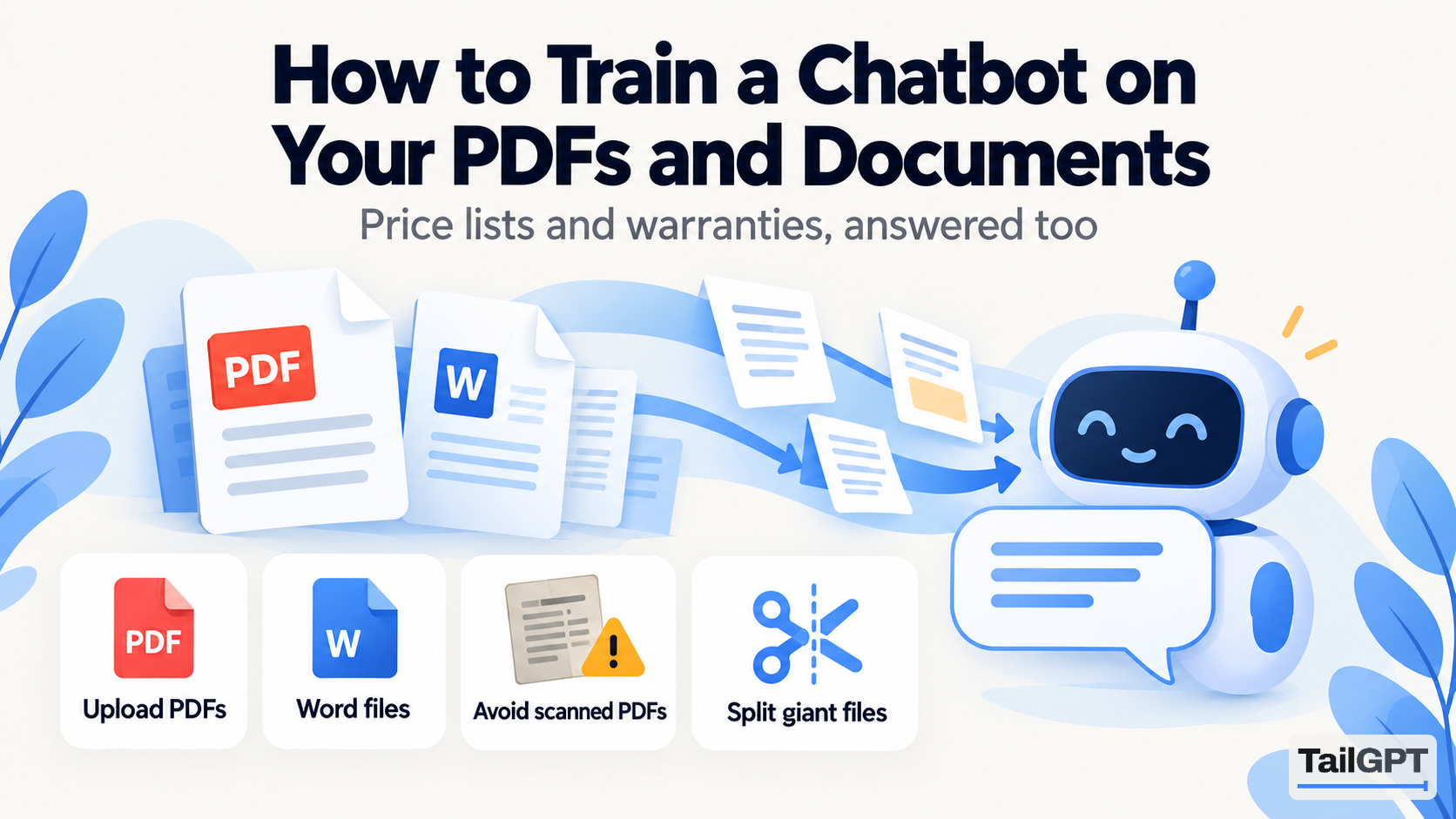
Not everything you know is on your website. Price lists live in PDFs and warranties live in Word files, and a chatbot can answer from those too.
What to upload
Anything a customer would ask about that never made it onto a page: the current price list, the warranty terms, the installation instructions, the size chart that lives in a spreadsheet somebody exported, the course outline, the terms you email to every new client.
What not to upload is just as important. Anything with a customer's name, phone number or order in it does not belong in a system that answers strangers. Nor does an internal document written for staff, which will be quoted back to a customer in the tone it was written in.
The scanned-PDF trap
If your file is a photograph of a page - scanned, photographed, or exported from a design tool as an image - it contains a picture and no words. Open it and try to select a sentence with your mouse. If you cannot, neither can anything else.
The fix is to export a version with real text: print to PDF from the original document rather than scanning the printout. A good tool will tell you the file had no readable text rather than quietly indexing nothing, and that message is worth paying attention to.
Keeping documents current
Upload the corrected file under the same name and it replaces the old one, so the chatbot never has to choose between last year's prices and this year's. If you keep both, it will find both, and it will answer with one of them.
- Reading your website again never touches your documents. They stay until you remove them.
- Delete what expired. A withdrawn price list still answers questions.
- Name files as a person would search for them. "Price list 2026" beats "final_v3_updated".
Documents or pages?
If a customer would search for it, it belongs on a page - pages get found by Google, documents do not. Documents are for the things that are genuinely documents: long terms, technical specifications, forms, anything you already send by email.
Split the giant PDF
A sixty-page manual covering four products answers questions about all four at once, and a chatbot asked about one will sometimes reach into another. Splitting it into four files - one per product - makes answers noticeably sharper, and it takes ten minutes in any PDF tool.
The same goes for the file that is really several documents: terms, price list and warranty bundled into one export. Separate them. Name each file the way a customer would ask for it, because the name is part of what gets searched, and "Price list 2026" is found more readily than "final_v3_updated".