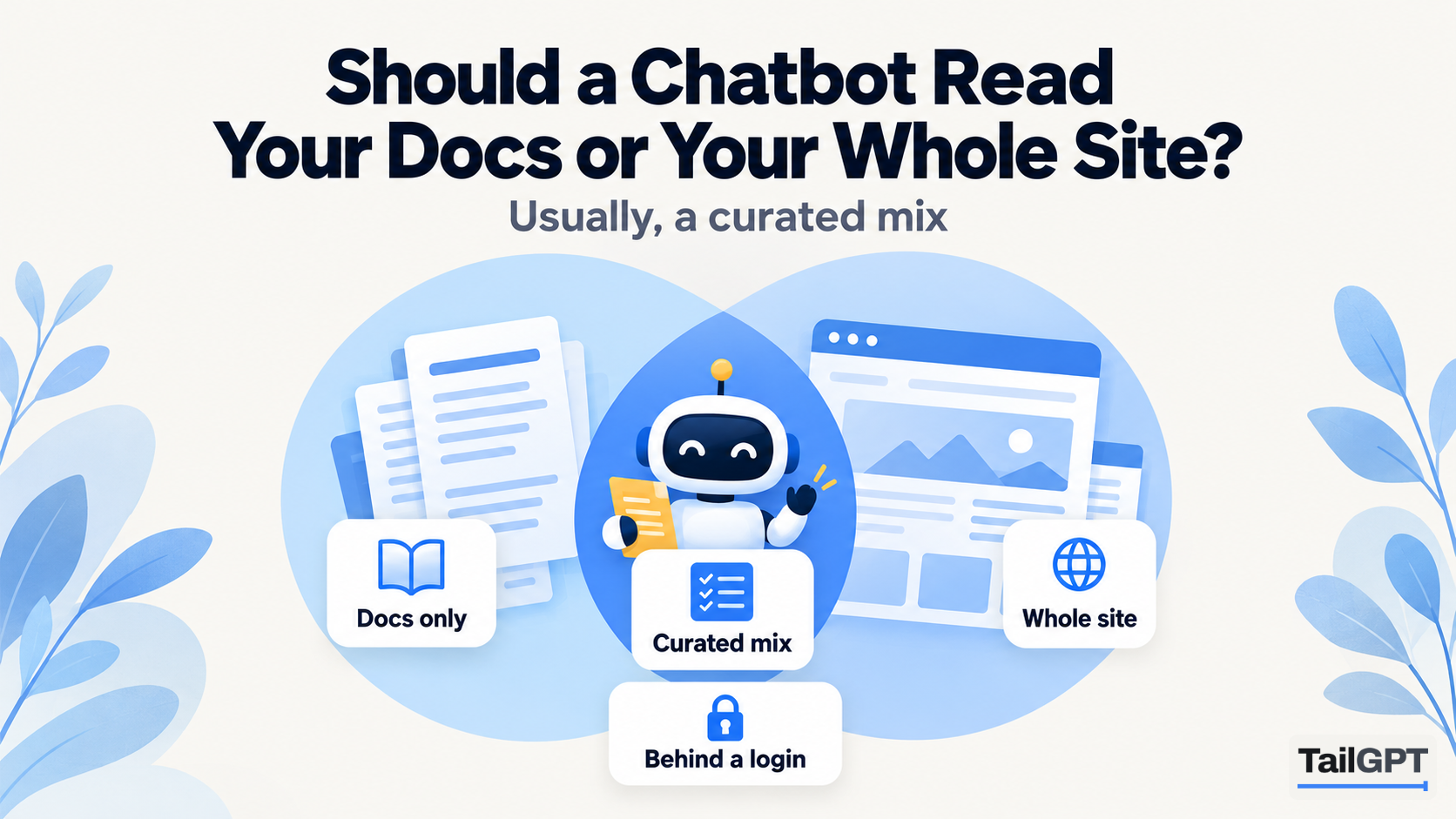
When you set up a chatbot, one of the first choices is what it should read. Some businesses point it at the help centre and nothing else. Others point it at the whole website and let it sort things out. Both can work, and both can go wrong in ways that are easy to miss until a visitor gets a strange answer.
This guide is about making that choice on purpose: when a docs-only bot is right, when the whole site is right, and why most small businesses end up with a curated mix. The setup steps are TailGPT's, with plan figures as of 4 October 2026.
What is the difference between docs and the rest of your site?
Docs explain how to use what someone already has; the rest of the site explains why they should get it. That difference changes the questions a chatbot will be asked, and so what it needs to read.
| Docs and help pages | The rest of the site | |
|---|---|---|
| Who reads them | Existing customers | People still deciding |
| Typical question | "How do I reset the timer on the purifier?" | "Does it work in a 300 sq ft room, and how much is it?" |
| Tone of the writing | Exact, step by step | Persuasive, sometimes vague |
| How fast it changes | With each product update | With each sale, season or price change |
| Common risk | Old versions left online | Expired offers and campaign pages left online |
A software firm in Bengaluru with a hundred help articles and a five-page marketing site has a different problem from a furniture shop in Surat whose "docs" are a care guide and a warranty PDF. Start by sorting your own pages into these two columns. The split usually makes the answer obvious.
When should a chatbot read only your docs?
When nearly everyone asking is already a customer, and the bubble sits where only customers go. A help centre on its own address, an app's support pages, or a product manual site are good examples.
A docs-only bot has three advantages. Its answers are precise, because help pages are written to be exact. It cannot quote marketing language as if it were a promise. And it stays on topic: a question about pricing gets "the pages do not cover that" rather than an answer stitched together from a sales page.
The cost is that it cannot help the people who are still deciding. If the bubble also appears on your home page, a visitor asking "how much is the annual plan?" gets nothing useful. If that matters, the docs-only bot belongs on the docs pages only.
A chatbot for your documentation covers this setup in more depth, including how to write help pages that quote well.
When should a chatbot read your whole site?
Almost never literally the whole site. Reading every page sounds thorough, but most websites carry pages that should not answer anything: last year's Diwali sale, a discontinued product, a press release with an old price, a blog post about a policy you have since changed. Each of those is read as confidently as your current pricing page, and the bot may quote either.
A whole-site bot makes sense when the site is small and current: a clinic with twelve pages, all of them up to date, or a consultancy whose site has no blog and no old campaigns. If you can say "every page on this site is true today", let it read them all.
Why is a curated mix usually the right answer?
Because most visitors ask a mix of before-and-after questions, and most websites have pages that should be left out. A curated mix keeps the pages that answer real questions and drops the ones that would confuse.
A good starting set for a small business:
- Help or FAQ pages: how to use, care for, set up or fix what you sell.
- Pricing or fees: the current figures, in one place.
- Policies: delivery, returns, refunds, cancellations, warranty.
- Contact and about: hours, locations, phone numbers, who you are.
- The main product or service pages: the ones people ask detailed questions about.
Then leave out campaign pages, expired offers, old news, thank-you pages, and anything a visitor should not be told. How to choose which pages your chatbot should read goes through the choice page by page.
How do you set this up in TailGPT?
Add your website, tick the pages you want read, and upload any documents that hold the rest. Each chatbot answers from all the selected pages of one website, plus that website's uploaded documents.
- Add the website. TailGPT lists its pages from the site's own page list, its sitemap, and ticks a sensible set for you.
- Adjust the ticks. Untick old campaigns and anything out of date; tick the help pages and policies you want answered from.
- Let it read. It takes a few minutes in the background. Each page is opened in a real browser, the content kept and the menus, footers and cookie banners dropped. The Websites page shows which pages were read and which failed, and why.
- Upload documents. With a plan, add PDF, Word (.docx) and text (.txt, .md) files: a manual, a care guide, a warranty, a price list. There is no limit on how many, and documents do not count against the page allowance.
- Test it. Ask real before-and-after questions with Try demo before the bubble goes on the site.
Two details shape the choice. A TailGPT page is one URL, whatever its length, so a long help article costs the same as a short one. And the page allowance is shared across the websites on your account: as of 4 October 2026, 1,000 pages on Starter (₹4,000 a month) and 7,500 on Growth (₹8,000 a month). The full table is on the pricing page.
What if your docs live on a different address?
Then you have two choices, and the right one depends on whether the two audiences should share a bot.
One bot for both. If your docs are part of the same website, at an address like yourshop.in/help, tick the help pages along with the rest and you are done. If the docs sit on their own address, such as help.yourshop.in, you can upload the most important help content as documents to the main website instead. Bear in mind the chatbot's line of code works only on its own website's address, with or without www; to show the same bubble on a second address, ask TailGPT to add it, because there is no screen for that.
Two bots, each reading its own site. Add the docs address as a second website in TailGPT, with its own pages and its own chatbot set to the Support role, while the main site's chatbot uses Sales or FAQ. This keeps the two apart cleanly, but each website counts towards the number live at once: one on Starter, three on Growth.
Several chatbots can also share one website's content, each with its own role, look and line of code: a Sales bot on product pages and a Support bot on help pages. They answer from the same selected pages, so this changes the manner of each bot, not what it knows. How to run sales and support chatbots covers that setup.
What about docs that sit behind a login or in files?
TailGPT reads public pages and uploaded files. A help centre behind a customer login cannot be read as pages, because the reader sees what any visitor sees. If that content is safe to answer from in public, export it as PDF, Word or text and upload it.
Think before you do. Anything the bot can read, it can answer from, and the bubble is on a public website. Internal procedures, staff-only notes and anything about a particular customer belong outside it. How to train a chatbot on your PDFs and documents covers what to upload and what to keep out.
A scanned PDF with no text layer fails with a clear reason rather than being read as blank. Export a version with real text. And when a document changes, upload the corrected file with the same name: it replaces the old one, and reading the website again never touches it.
How do you know you chose the right pages?
The questions visitors ask will tell you within a couple of weeks. The Home dashboard lists the questions your chatbot could not answer, with how often each was asked. If they are mostly "how do I" questions, the bot needs more help content. If they are mostly price and policy questions, the docs-only bot is on pages where buyers arrive.
Show chats lets you read every conversation and search any word, so you can see the exact answers given. An answer quoting an old offer means a page should be unticked; an answer that misses a step means a help page needs rewriting. Untick or rewrite, then read the site again from your monthly re-read allowance, since there is no automatic refresh. How to keep chatbot answers up to date has a routine for that.