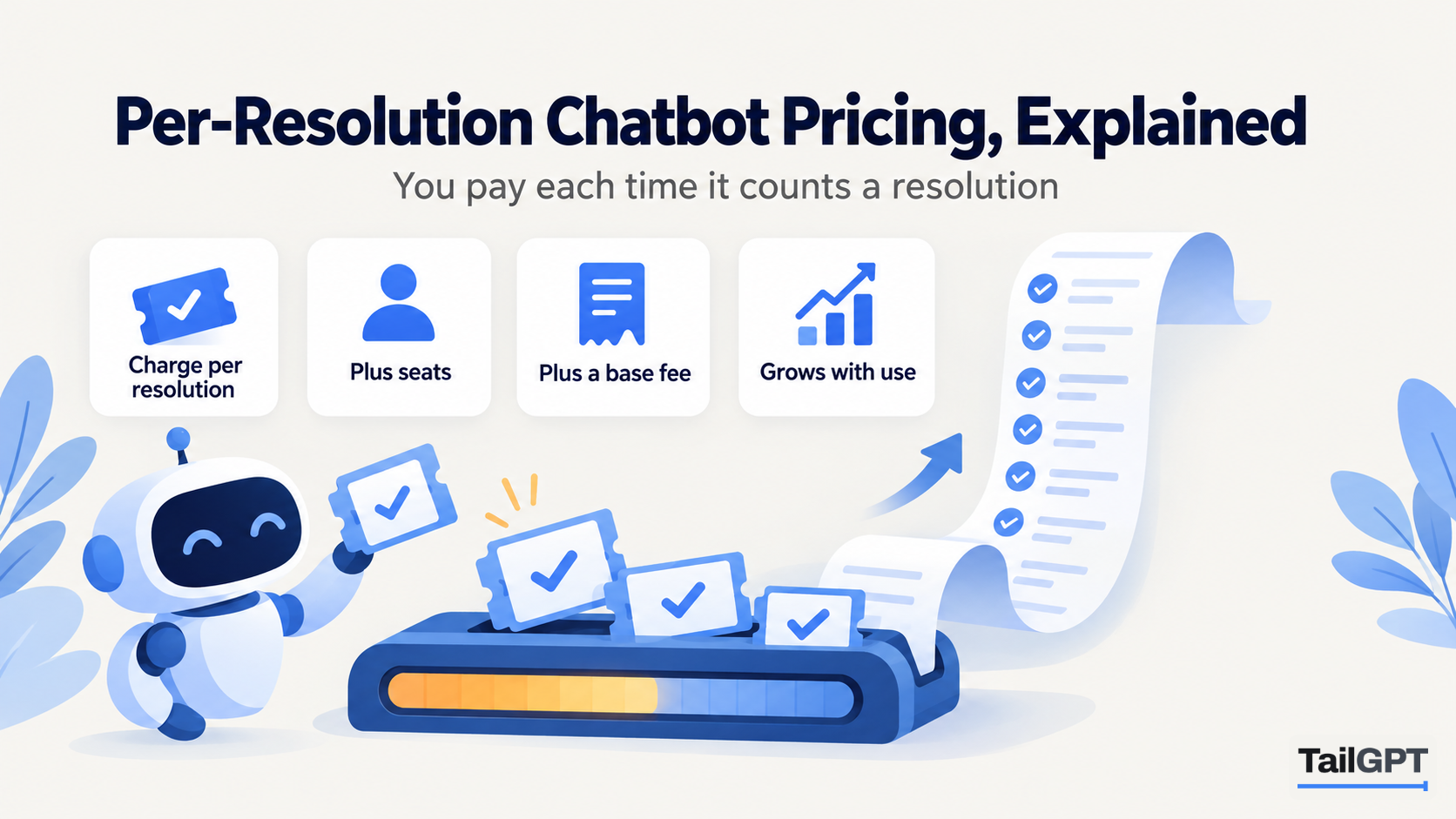
Per-resolution pricing sounds like the fairest deal in software: you pay only when the chatbot solves a customer's problem. It is a real and sensible model, mostly sold with helpdesk software to businesses that run a support team. It also has a few properties that are easy to miss on the pricing page, and that matter far more to the month's bill than the rate per resolution itself.
This post explains how the model works in general terms, what to ask about it, and how it compares with paying a fixed amount for a number of questions, which is how TailGPT is priced. TailGPT's figures are as of 4 October 2026.
What is per-resolution pricing?
Per-resolution pricing charges a fee each time an AI agent is judged to have resolved a customer's conversation, and nothing for conversations it did not resolve. Some vendors call the billable event a resolution, some an outcome, and some define several kinds of outcome with different rates.
The appeal is that the price follows the value. A chat the bot could not help with costs nothing, and a chat it closed costs a known amount. For a support team that already measures cost per ticket, that fits the way they think about budgets.
What usually counts as a resolution?
That is the most important question to ask, because the vendor's definition decides the bill. Definitions commonly rest on one or more of these:
- The customer confirms it. The bot asks whether that answered the question, and a yes counts.
- The customer goes quiet. The conversation ends without the customer asking for a person or coming back within a set window. Silence is treated as success.
- The bot completes a task. A refund is processed, a booking changed or an order status given, and the conversation closes.
- The bot routes the case. Some plans count passing the customer to the right team, or qualifying a sales lead, as a billable outcome, sometimes at a different rate.
The second one deserves attention. A visitor who reads an answer, decides it is not what they needed and closes the tab may count as resolved. Every vendor draws this line differently, so read the definition, and ask whether you can see which conversations were billed and why.
What else usually sits on the bill?
Per-resolution fees rarely stand alone. Look for these lines alongside them:
| Line | What it is | What to ask |
|---|---|---|
| Seats | A monthly fee for each person on the team who uses the helpdesk | Do I need seats to use the AI agent at all? |
| Minimum | A floor of resolutions billed each month whether or not they happen | What is the minimum, and does it apply if I use a different helpdesk? |
| Different rates | Separate prices for different kinds of outcome | Which outcomes are billed, at what rate? |
| Channel or add-on fees | Charges for email, voice, messaging apps or extra features | Which channels are included at the base price? |
| Annual commitment | A lower rate for a yearly contract | What is the monthly price, and can I leave? |
For a business with a staffed support team already working in a helpdesk, most of these are costs it pays anyway. For a business with no team, seats and minimums can be most of the bill.
Why does a per-resolution bill go up as the bot gets better?
Because the bill is the number of resolutions, and a better bot resolves more. That is the property people most often miss. Take an illustrative month of 1,000 conversations at an unchanged rate per resolution:
| Share resolved | Billable resolutions | Bill compared with month one |
|---|---|---|
| 40% (month one) | 400 | Same |
| 55% (after filling gaps in your help pages) | 550 | About 1.4 times |
| 70% (after a few months of work) | 700 | About 1.75 times |
The visitors did not change. Your work on the help content did, and the bill grew with it. That is not unfair: each of those resolutions was presumably a ticket your team did not handle, so the saving should grow too. But it does mean the bill is hard to forecast, and that improving your content raises costs rather than lowering them.
Traffic does the same thing. A sale, a launch or a service problem that brings in twice the conversations brings in roughly twice the resolutions. A month with an outage can be your most expensive.
When does per-resolution pricing make sense?
When you have a support team whose time is the main cost, and you can compare each resolution's price with what a ticket costs you today. It fits best when:
- you already run a helpdesk and pay its seats anyway;
- your conversations are mostly about a customer's own order, account or booking, and the bot can act on them through the helpdesk;
- you know your cost per ticket, so the rate per resolution has something to be measured against;
- you need email, messaging apps and voice handled in one place, alongside chat on your website.
In that setting, paying per resolution is paying for work done, and the rising bill tracks a falling workload. If that describes your business, it is a reasonable model and an answer-only website chatbot is not a substitute for it.
When does a fixed monthly allowance suit better?
When you have no support team to measure against, when most questions are general rather than about one customer's order, or when you need to know the bill in advance. Many small businesses are in all three positions: the questions are about fees, timings, delivery and policies; the person answering them is the owner; and the budget is a fixed line each month.
TailGPT is priced that way. As of 4 October 2026:
| Starter | Growth | Enterprise | |
|---|---|---|---|
| Price | ₹4,000 a month | ₹8,000 a month | Custom |
| Questions a month | 4,000 | 10,000 | Up to 5,00,000 |
| Websites live at once | 1 | 3 | Up to 1,000 |
| Chatbots | 1 | 3 | Up to 10,000 |
There are no seats, minimums or outcome definitions. Each question a visitor asks counts as one, including follow-ups and questions your pages do not cover; attempts to give the bot orders, requests to write code and too many questions too fast are refused and cost nothing. Improving your pages does not raise the bill. It raises the answer rate on the Home dashboard, and the price stays the same.
The trade-off is real and worth stating. TailGPT is an answer bot for your website only. It does not resolve anything that needs an action: it cannot look up an order, change a booking, process a refund or hand a conversation to a person, and it does not work in email, messaging apps or on the phone. A website chatbot without buying a helpdesk looks at that choice from the other side.
How do you compare the two for your own business?
Work out one month under each model, at your busiest traffic, with honest guesses for the resolution rate.
- Count your conversations and questions. Monthly visits × share who open the chat gives conversations; multiply by questions each for questions. How many chatbot questions a month has the method.
- Price the per-resolution month at two rates of success. Conversations × a low resolution share × the rate, then the same at a high share. Add seats, minimums and any channel fees.
- Price the fixed month. Find the plan whose question allowance covers your questions, and note what happens at the limit. With TailGPT, the bubble goes quiet until the month resets, you upgrade, or you buy a top-up.
- Compare what each one does. If you need actions on orders and accounts, or several channels, the fixed answer bot is not doing the same job and the comparison stops there.
The spread between your low and high per-resolution figures is the part to look at. If you can live with it, and the bot can act on your customers' cases, per-resolution pricing pays for real work. If you need a figure you can put in a budget, and your visitors mostly ask questions your website already answers, a fixed allowance is the simpler deal. Website chatbot pricing models, compared sets this beside per-message, per-credit and per-seat pricing, and the pricing page has TailGPT's full limits.