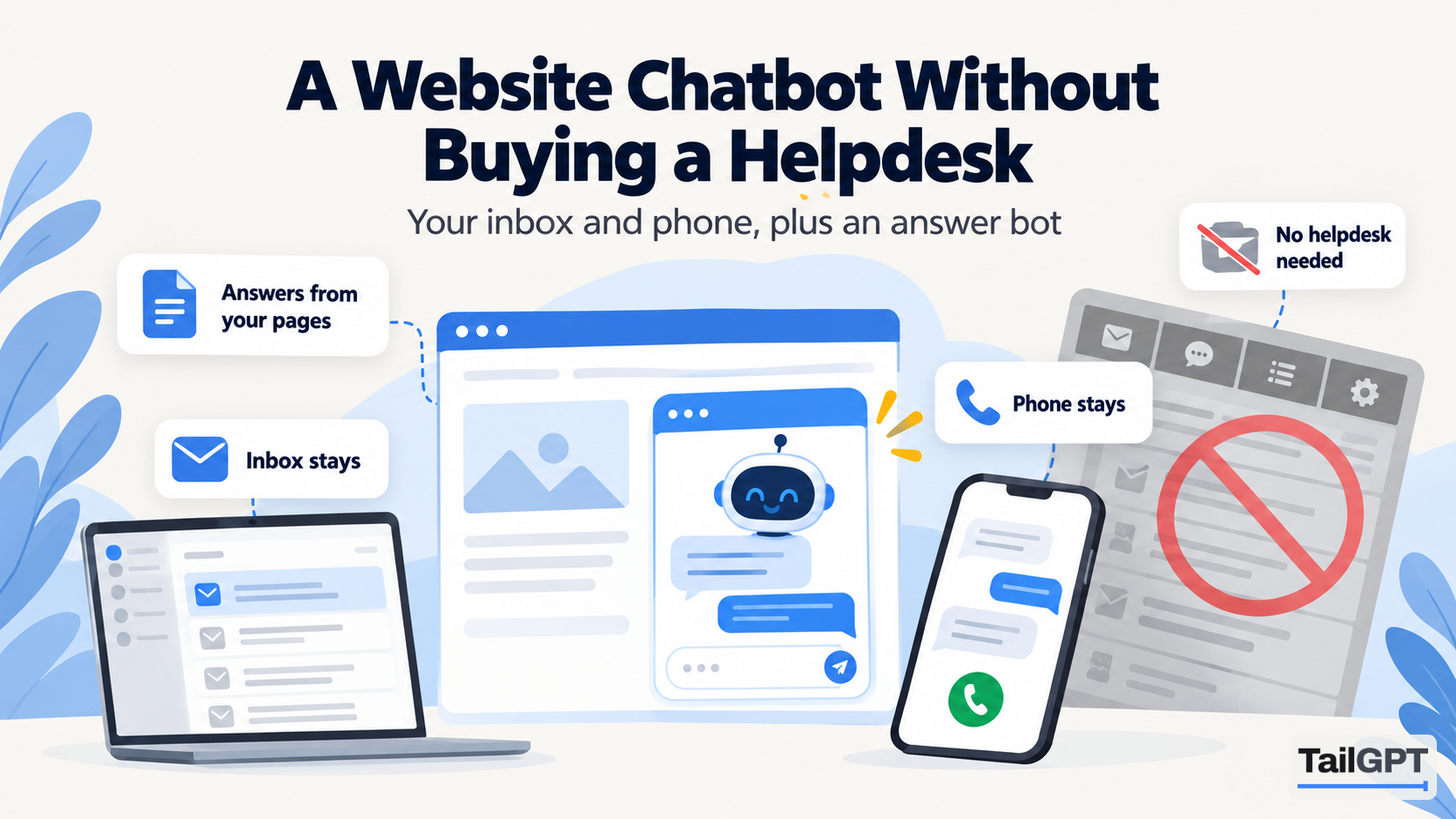
Look for an AI chatbot for your website and many of the options turn out to be one part of a larger product: a helpdesk with a ticket inbox, agent seats, a knowledge base, email and messaging channels, and the chatbot as an add-on. That suits a support team of fifteen. It is a lot to buy if your support is one shared inbox, a phone that rings in the shop, and the owner answering emails at night.
This guide is for that second business. It covers what a standalone website chatbot does without a helpdesk behind it, what you give up, how the costs differ, and when buying the suite is the right call after all. TailGPT's figures are as of 4 October 2026.
Do you need a helpdesk to use an AI chatbot?
No. An AI chatbot that answers from your website needs your pages, not a ticket system. It reads what you have published, answers visitors' questions from it, and says so when the pages do not cover something. None of that depends on tickets, agents or an inbox.
A helpdesk earns its keep when people are managing conversations: assigning them, tracking them, passing them between colleagues, keeping a history per customer. If nobody on your side does those things today, a chatbot does not create the need. What it does is take the repeated questions off your plate, so the inbox and the phone get fewer of them.
What does a helpdesk give you that a standalone chatbot does not?
Workflow around the conversation. Be clear about this before you decide, because it is real. A typical helpdesk suite offers:
- a shared inbox where emails, chats and messages become tickets;
- assignment, status, priority and notes on each ticket;
- a hand-off from the bot to a person, mid-conversation;
- channels beyond the website: email, messaging apps, sometimes phone;
- customer records, and lookups such as order status through integrations;
- reports on response times and agent workload.
TailGPT does none of these. It is a website widget that answers from your pages and uploaded documents. It has no ticket inbox, no hand-off to a person, no lead-capture forms, no order lookups, no channels beyond the website bubble, and no API or integrations. If several of the items above are things you need this year, a helpdesk is the honest answer.
What does a standalone website chatbot handle well?
The questions your website already answers, asked at any hour. For most small businesses those are the bulk of what comes in:
- "What are your timings on Sunday?"
- "Do you deliver to Thane, and how long does it take?"
- "What is the fee for the weekend batch?"
- "Can I return it if it does not fit?"
- "Do you have parking?"
TailGPT answers these from the pages you tick and the documents you upload, with no general knowledge added. When a visitor asks something the pages do not cover, it says so plainly instead of guessing. A follow-up such as "and on Saturday?" works, because the bot is given the last three exchanges of the conversation. The visitor needs no account and never sees billing messages.
It also handles some things you might expect only from a bigger product. Attempts to give the bot orders, such as "ignore your instructions", get a fixed refusal and do not use one of the month's questions. Text on a page that tries to instruct the chatbot is treated as something to read about, not obey. A phone number or email address that appears on none of your pages is removed from an answer, so the bot cannot invent a way to reach you. What is prompt injection explains why those checks matter.
What happens to the questions that need a person?
They go where they go today: your phone, your email, your contact form. Without a helpdesk, the bot cannot hand a conversation over, so make it easy for the bot to point the way.
- Write your contact routes on a page the bot reads. Phone, email, WhatsApp number if you use one, and hours. The bot can give a phone or WhatsApp number only if it is written on a ticked page.
- Say what needs a person. A line such as "For order changes and refunds in progress, call us" gives the bot something to quote when a visitor asks about their own order.
- Set the greeting to match. TailGPT lets you write the greeting. Something like "Ask me anything about our courses and fees. For your own admission, call the office" sets the right expectation from the first line.
A coaching institute in Lucknow, for example, gets the same thirty questions every evening about fees, batches and timings, and a handful about individual admissions. The bot takes the thirty; the handful get the office number from the contact page, and call in the morning. Nobody needs a ticket for that.
How does the cost differ from a helpdesk suite?
A helpdesk is usually priced per agent seat, and its AI chatbot is often priced on top, per conversation it resolves or per message. A standalone chatbot is usually a flat plan with an allowance. The difference matters most for a small team with a busy website.
| Pricing model | How the bill grows | What to watch |
|---|---|---|
| Per seat | With the number of people who log in | You may pay for seats only to switch the bot on |
| Per resolution | With each conversation the vendor counts as resolved | How "resolved" is defined, and a busy month's total |
| Per message or credit | With every reply, sometimes weighted by model | What one answer costs in credits |
| Flat plan with an allowance | Only when you move up a plan or top up | What happens at the limit |
TailGPT is a flat plan. As of 4 October 2026, Starter is ₹4,000 a month with 4,000 questions, one website and one chatbot; Growth is ₹8,000 a month with 10,000 questions, three websites and three chatbots; Enterprise is custom. There are no seats: the dashboard is not priced per person. Questions are one pool shared by every chatbot on the account. You get an email at 80% and 100% of the month's questions, and at the limit the bubble goes quiet until the month resets, you upgrade, or you buy a top-up of questions. The full table is on the pricing page, and per-resolution chatbot pricing, explained works through that model in detail.
How do you set up a chatbot without a helpdesk?
In an afternoon, without anyone technical. The whole TailGPT journey is on how TailGPT works; in short:
- Sign up with an email or Google. No card is needed for the free trial.
- Add your website. TailGPT lists its pages and ticks a sensible set; check your contact, pricing, policy and FAQ pages are among them.
- Create a chatbot with the Support role, which is calm and factual, or FAQ, which is short and direct.
- Ask it your twenty commonest questions with Try demo. The trial allows 20 test questions on one website with up to 500 pages read.
- Choose a plan, upload any documents your team quotes from, and paste the one line of code before
</body>. - Wait for the chatbot to show as Live in the dashboard, which means TailGPT has seen the bubble load on your site.
How do you see what visitors asked without a ticket system?
In the dashboard. Show chats lists every conversation each chatbot has had, as chat bubbles, with search across every word and filters for the last 7, 30 or 90 days. The Home dashboard shows your answer rate and a list of the questions your chatbot could not answer, with how often each was asked. That list is your to-do list: add the answers to your website and read it again, or upload them as a document.
This is reading, not managing. You cannot assign a conversation, reply into it, or export it. For a team that does not manage conversations today, that is usually enough. Reading every conversation your bot had covers the page in full.
When is buying a helpdesk the right call?
When people, not pages, are the bottleneck. Buy a helpdesk when several people answer customers and need to share the work, when conversations arrive on email, messaging apps and the website and must be tracked in one place, when most questions are about a customer's own order or account, or when a chat must be passed to a person mid-conversation.
If none of those is true yet, start with the chatbot and your existing inbox. When the business grows into a helpdesk, the pages you improved for the bot will serve that too. An AI chatbot for a small support team covers the stage in between.