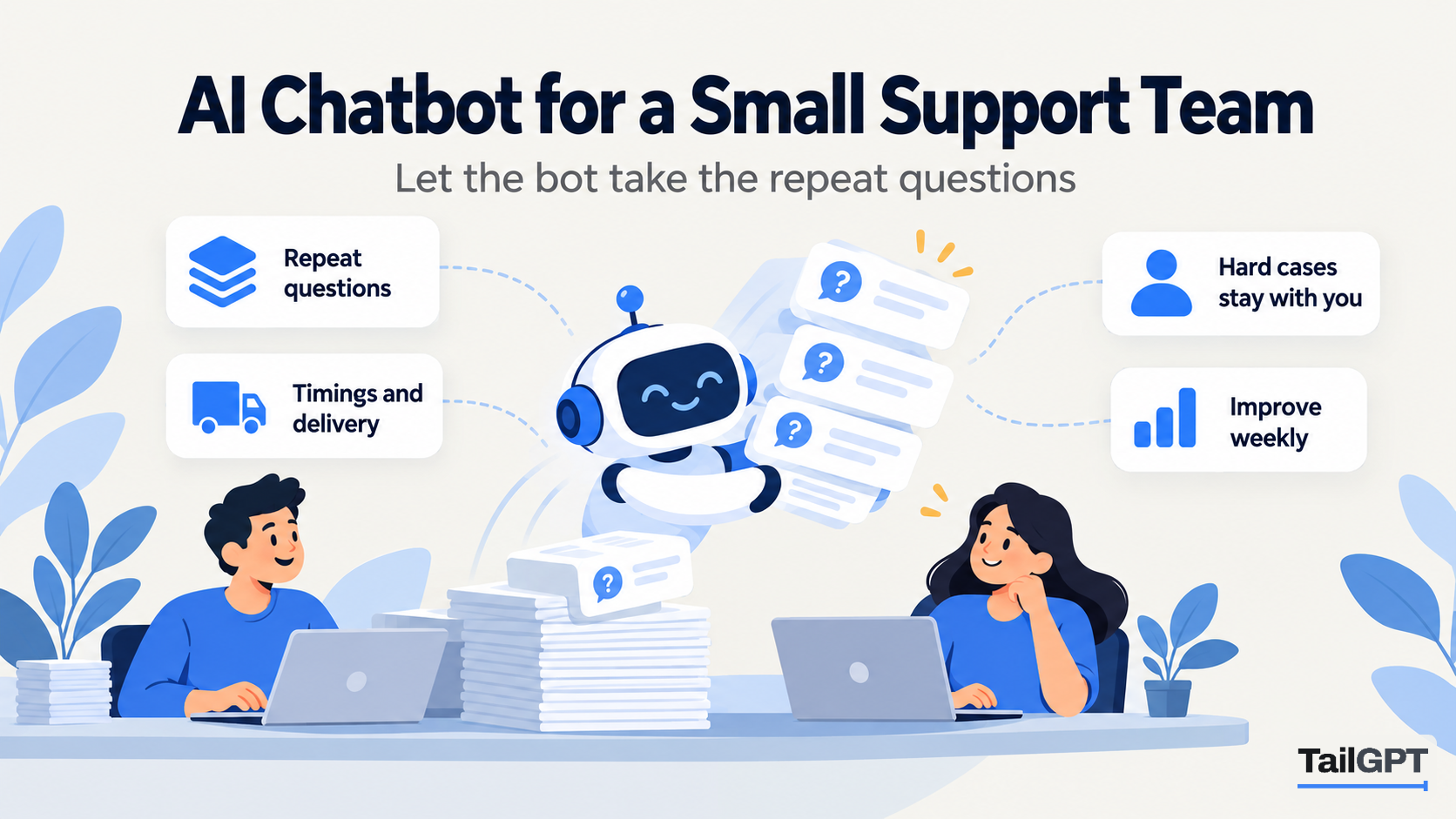
A support team of two or three people spends a surprising share of its week typing the same answers. What are your timings? Do you deliver to Hosur? How long do refunds take? Is the large size back in stock? Each one takes a minute, but forty of them a day is most of a person, and they arrive in the evening, at weekends and in the middle of a hard case. This post is about putting an AI chatbot on your website so those questions are answered there, and about what stays with the people on the team.
The steps are TailGPT's, and plan figures are as of 4 October 2026.
What does a small support team actually spend its day answering?
Mostly questions your website already answers. Before you set anything up, spend one week sorting what comes in. Keep a tally sheet beside the inbox, the phone and the shop's messaging app, and put every question into one of three columns:
- Already on the website. Timings, delivery areas and charges, the returns window, fees, what a package includes, how to book.
- Could be on the website. Answered the same way every time, but nobody has written it down: whether a product suits a small room, what to bring to a first appointment, how long installation takes.
- Needs a person. Anything about one customer's own order, account, booking or complaint, and anything that needs a judgement.
Take an illustrative furniture shop in Bengaluru with two people on support. After a week its tally might read 180 questions in the first column, 70 in the second and 110 in the third. The first two columns are where a website chatbot helps. The third is the team's real job, and it is the work that suffers when the first two crowd it out.
Which questions can a website chatbot take off the team?
The questions whose answer is the same for every visitor and is written on your website or in a document you can upload. A TailGPT chatbot answers only from the pages you choose and the files you upload, so its usefulness is exactly as wide as that material.
| Question | Can the chatbot answer it? | What it needs |
|---|---|---|
| What time do you open on Sunday? | Yes | Timings on a ticked page |
| Do you deliver to Mysuru, and what does it cost? | Yes | A delivery page that names areas and charges |
| How long do refunds take? | Yes | A returns and refunds page |
| Which mattress suits someone with back pain? | Partly | Product pages that describe firmness and who each suits |
| Where is my order? | No | A person, or your order tracking page |
| Can I change my delivery date? | No | A person |
| My table arrived scratched | No | A person |
Follow-ups work too. A visitor who asks about delivery to Mysuru and then types "and how long does it take?" gets an answer about Mysuru, because the chatbot is given the last three exchanges of that conversation. That matters for a small team, because the second and third question in a chain are the ones that usually turn into an email.
When the pages do not cover a question, the chatbot says plainly that the website does not cover it rather than guessing. For a team, a guess is worse than no answer: it creates a second conversation to correct the first. The support questions your website should answer by itself lists the pages that carry most of the load.
What stays with the people on the team?
Everything that depends on who is asking. TailGPT is an answer bot for your website. It cannot look up an order, change a booking, take a payment, open a ticket or collect a visitor's details. It has no live chat inbox and does not hand a conversation to a person. Those are deliberate limits, and they decide how you divide the work:
- The bot answers general questions from your published material, at any hour, in the same words every time.
- The team handles orders, complaints, exceptions, refunds and anything that needs a decision, through the channels you already run: email, phone, messaging, the counter.
The split also protects the team from a common failure. A bot that could promise a refund or a delivery date would create work for the people who have to honour it. One that can only repeat what your pages say cannot promise anything your pages do not.
How do visitors reach a person when the bot cannot help?
Through the contact details you publish, because the chatbot can repeat them. If your contact page lists a support email, a phone number and hours, and that page is ticked, the chatbot can give those details when a visitor asks how to reach someone. It can give a phone or messaging number only if it is written on a page it reads, and an email address or number that appears on none of those pages is removed from the answer.
Three small changes make this route work well:
- Write one clear contact page. One email, one number, the hours they are watched and what to include (an order number, a photo of the damage). Tick it.
- Say what the bot is for in its greeting. Something like: "Ask me about delivery, returns, sizes and timings. For an order you have already placed, email our team." Visitors with an order problem then go straight to the right place.
- Ask for the order number up front. If your contact page asks for it, the emails that do arrive carry what the team needs, and the first reply can be the answer rather than a question.
If your business needs a person to pick up a live conversation inside the chat window, an answer-only bot is the wrong tool for that part of the job. AI chatbot or live chat walks through that choice.
How do you set up the chatbot in an afternoon?
Add the website, choose the pages, check the answers, then paste one line of code. The full walk-through is on how it works; the short version for a support team:
- Add your website. TailGPT lists its pages from the site's own page list and ticks a sensible set for you.
- Tick the support pages. Delivery, returns, refunds, warranty, timings, contact, FAQs, and the product or service pages people ask about. Untick old offers and anything that contradicts a newer page.
- Upload what lives only in files. A warranty PDF, a care guide, a price list in Word. PDF, .docx, .txt and .md files are accepted.
- Choose the Support role. It keeps answers calm and factual. The role changes the manner, never what the bot is allowed to say.
- Set the look and greeting. Name, logo, brand colour, greeting and corner, with a live preview.
- Ask it your tally sheet. Use Try demo and put twenty real questions from the first two columns to it. Fix the pages behind any wrong or missing answer and read the site again.
- Paste the line of code just before
</body>on your website. The dashboard shows the chatbot as Live once TailGPT sees it loading on your site.
Step 6 is where a support team has an advantage. You already know the real questions, in the customer's own words, because you have been answering them.
How does the team improve the answers each week?
Spend half an hour a week reading what visitors asked, then fix the pages. Two screens in TailGPT do most of the work.
The questions your chatbot could not answer
The Home dashboard shows an answer rate, with how many questions were not covered by your pages, and a list titled "Questions your chatbot could not answer" with how many times each was asked. Work down it from the top. Each item is a page or a paragraph you have not written yet. Add it to the website and read the site again, or upload it as a document. What to do when your chatbot says it does not know covers how to work through the list.
Show chats
Show chats lets you read every conversation a chatbot has had, as chat bubbles. Search any word, filter to the last 7, 30 or 90 days, and sort. Two searches are worth making every week: the words for things that change ("price", "delivery", "stock") to catch answers that have gone stale, and the words visitors use when they are stuck ("order", "refund", "call") to see whether the bot is sending them to your contact page. Reading every conversation your bot had explains the page in full.
Share the job. One person reads, another edits the website, and the re-read happens once at the end of the week. On Starter you have two re-reads a month, so batch the edits; on Growth you have eight.
Which plan fits a team of two or three?
Usually Starter, unless you run more than one website or want separate chatbots for sales and support. As of 4 October 2026:
| Starter | Growth | |
|---|---|---|
| Price | ₹4,000 a month | ₹8,000 a month |
| Websites live at once | 1 | 3 |
| Pages read | 1,000 | 7,500 |
| Chatbots | 1 | 3 |
| Questions a month | 4,000 | 10,000 |
| Website re-reads a month | 2 | 8 |
Questions are one pool for the whole account, and every question counts, including follow-ups and questions your pages could not answer. Attempts to give the bot orders, requests to write code and too many questions too fast are refused with one fixed sentence and cost nothing. You get an email at 80% and again at 100% of the month's questions; at the limit the bubble goes quiet until the month resets, you upgrade, or you buy a top-up of questions.
Growth earns its price for a team when sales and support want different manners. Several chatbots can share one website's content, each with its own role, look and line of code: a Sales bot on product pages that points to the next step, a Support bot on help pages that stays factual. How to run sales and support chatbots covers that setup, and how many chatbot questions a month does the sizing arithmetic.
How do you know it is working?
Repeat the one-week tally a month after launch and compare the first two columns. If the bot is doing its job, fewer of those questions reach the inbox and the phone, because visitors found the answer on the website. The third column, the questions that need a person, should stay about the same: those were never the bot's to take.
Two figures in TailGPT back up the tally. The answer rate on the Home dashboard should rise as you fill gaps from the unanswered list. And Show chats should read like a calm version of your old inbox: the same questions, answered once, without anybody on the team typing them.
If the second column has not moved, the pages are the problem rather than the bot. Those are the answers the team gives the same way every time but has never written down. Write them, read the site again, and they stop arriving.