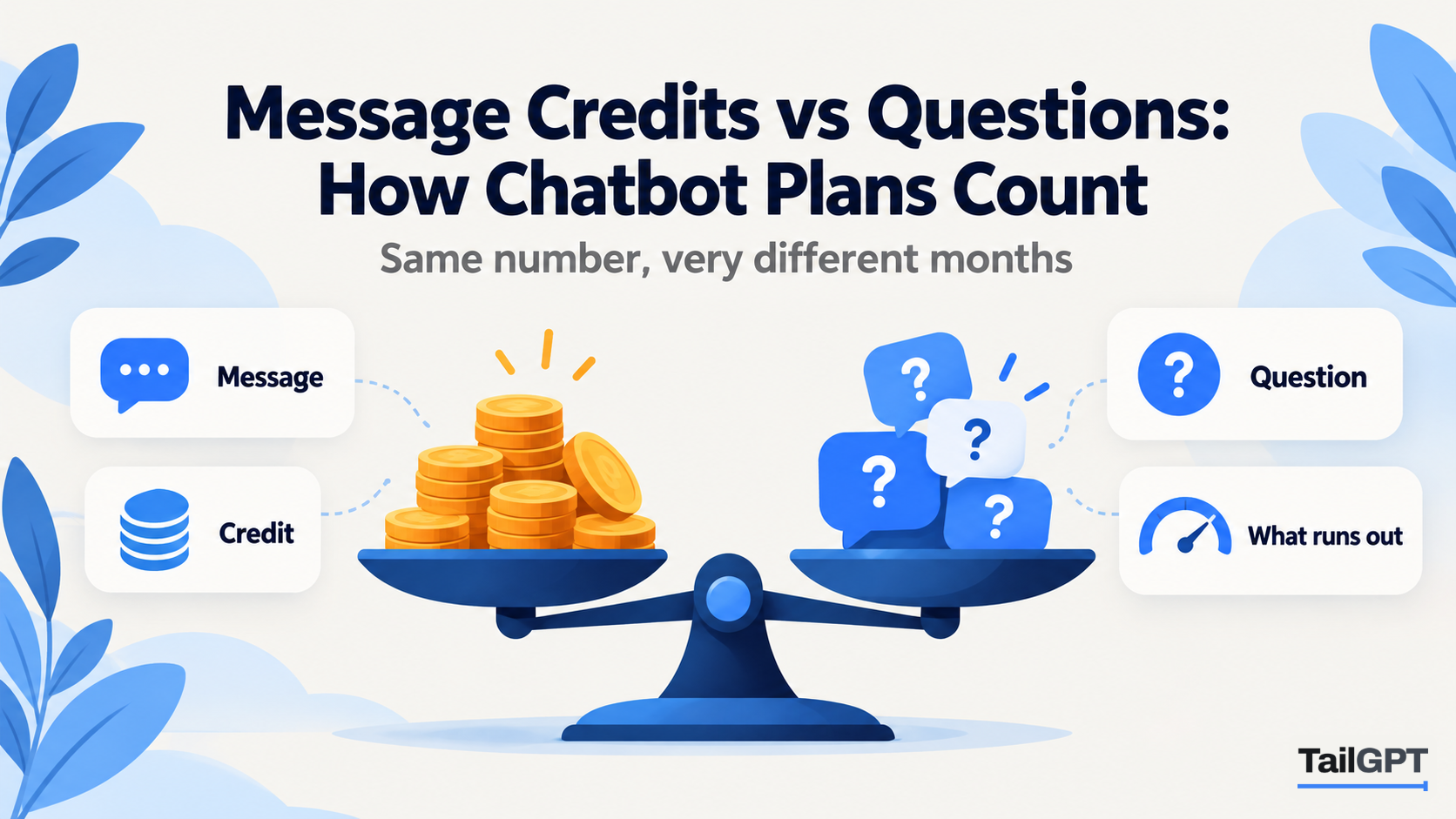
Two chatbot plans can both say "4,000 a month" and give you very different months. One means 4,000 questions answered. The other means 4,000 credits, which might be 4,000 answers, or 2,000, or a few hundred, depending on settings you choose later. The number on the pricing page is only useful once you know what is being counted.
This post explains the common units (messages, credits and questions), how to turn any of them into the figure you care about, and how TailGPT counts. TailGPT's figures are as of 4 October 2026.
Why do chatbot plans count in different units?
Because each unit tracks something different, and each pushes a different risk onto the buyer. A chatbot answer has a cost behind it, and a plan has to decide what to put a limit on. The choices fall into a few families:
| Unit | What one unit usually means | What makes it shrink |
|---|---|---|
| Message | One message in the chat; check whether that is the visitor's, the bot's, or both | Counting both sides of the conversation |
| Credit | A token of usage; one answer uses one or more | Choosing a larger model, or features that take extra steps |
| Question | One question a visitor asks | Nothing; one question is one question |
| Conversation or resolution | A whole chat, or a chat the bot is judged to have resolved | Long conversations, or a high success rate |
The last row is a different idea altogether and has its own post: per-resolution chatbot pricing, explained. This post is about the first three, which all count activity inside the chat.
What is a message credit?
A message credit is a unit of usage that an answer spends, where different answers can spend different amounts. The common pattern is that an answer from a smaller, cheaper model uses one credit and an answer from a larger model uses several. Some plans also charge extra credits when the bot does more than answer, such as calling another service or running a step before it replies.
That makes the plan's headline figure a ceiling rather than a promise. A plan of 4,000 credits buys:
| Credits used per answer | Answers from 4,000 credits |
|---|---|
| 1 | 4,000 |
| 2 | 2,000 |
| 4 | 1,000 |
| 6 | 666 |
The arithmetic is simple. The difficulty is that the credits per answer are set by choices made after you buy: which model you switch on, whether a feature takes an extra step, how a vendor's rate card changes. The same plan can cover a month comfortably on one setting and run out in a week on another.
What does a message count?
It depends on the plan, and that is the first thing to check. "Messages" can mean the visitor's messages, the bot's replies, or every message in the chat window. A greeting the bot sends on its own may or may not count.
Take an illustrative chat on a bakery's website in Pune. The bot greets the visitor; the visitor asks whether a cake can be eggless; the bot answers; the visitor asks about delivery to Kothrud; the bot answers. That is five messages in the window, of which two are questions. On a plan that counts every message, it uses five. On one that counts replies only, it uses two or three, depending on whether the greeting counts. On a plan that counts questions, it uses two.
None of these is dishonest. But a plan of 2,000 messages that counts both sides is roughly 1,000 questions, and you need to know which one you are buying.
How does TailGPT count questions?
TailGPT counts each question a visitor asks a chatbot on your website as one, whatever the length of the answer and whatever happens behind it. There is no model to choose and no weighting, so 4,000 questions on Starter is 4,000 questions.
The detail matters at the edges, so here it is in full:
- Follow-ups count. "And how much is that?" is a question. The bot uses the last three exchanges of the conversation to understand it.
- A question your pages do not cover counts. The bot searched your material before it could say plainly that your website does not cover it.
- Three refusals are free. Attempts to give the bot orders ("ignore your instructions"), requests to write code, and too many questions too fast all get the same sentence, "I can only answer questions about this website. Try asking about something on it.", and none of them uses one of the month's questions.
- One pool for the account. Every chatbot on every website draws from the same monthly allowance.
As of 4 October 2026, Starter (₹4,000 a month) includes 4,000 questions and Growth (₹8,000 a month) includes 10,000. Enterprise goes up to 5,00,000 at a custom price. The pricing page has every limit.
How do you compare a credit plan with a question plan?
Convert everything into questions answered in your busiest month, at the settings you will actually use. Four steps:
- Estimate your questions. Monthly visits × share who open the chat × questions each. How many chatbot questions a month walks through it with worked examples.
- Find the unit's exchange rate. For credits: how many credits one answer uses on the model you will choose, including any extra steps. For messages: whether both sides and the greeting count.
- Divide. A plan's allowance ÷ units per question = questions the plan covers.
- Compare at your peak. Do the sum for the month you expect to be busiest, not the average.
An illustrative example: an online shop expects about 3,000 questions in an ordinary month and 6,000 in its sale month. On a credit plan of 4,000 at two credits an answer, it covers 2,000 questions, so the shop needs a larger plan even in an ordinary month. On a plan that counts messages on both sides, 4,000 messages covers about 2,000 questions, the same shortfall from a different direction. On TailGPT Starter, 4,000 questions covers the ordinary month; the sale month needs Growth for that month, or a top-up of questions.
What happens when the units run out?
Ask this of any plan, because the answer decides what your visitors see in your busiest week. The usual possibilities are that the bot stops, that you are charged for the excess, or that you are moved to a bigger plan.
TailGPT stops rather than charging more. You get an email at 80% of the month's questions and again at 100%. At the limit the chat bubble goes quiet: it disappears from your website until the month resets, you upgrade, or you buy a top-up of questions. Visitors see no error and no billing message, just your website as it was before the chatbot. You never get a bill larger than the plan you chose without choosing it.
The 80% email is the one to act on. On Starter it arrives at 3,200 questions. In the third week of a month, that is a sign you will run out; on the 29th, you can let the month roll over.
Do unused credits or questions carry over?
Check each plan separately, because practice varies: some allowances reset to zero every month, and some extra packs keep their value until used.
With TailGPT, the plan's monthly questions reset each month and do not carry over. Top-ups behave differently: they add questions only, never expire, are used only after the month's plan allowance has run out, are drawn oldest pack first, need a live plan and are not refundable. A top-up bought before a festive season that is only half used waits for the next one. Top-up prices are not listed on TailGPT's pricing page.
Which questions should you ask before you buy any plan?
Seven questions turn a headline number into a month you can plan:
- What exactly is one unit: a question, a reply, any message, a credit?
- If credits, how many does one answer use on the model I will choose, and does anything else use extra?
- Does a follow-up count? Does the greeting? Does a question the bot cannot answer?
- Do refused or blocked questions count?
- Is the allowance per chatbot or shared across the account?
- What happens at the limit: does the bot stop, do I pay for overage, or am I upgraded?
- Does anything carry over to next month?
For TailGPT the answers are: one question; no credits or models to choose; follow-ups and uncovered questions count; the three refusals do not; one pool for the account; the bubble goes quiet at the limit; plan questions reset and top-ups never expire. AI chatbot pricing: what you are actually paying for covers the other lines on a pricing page, such as pages read and websites, and website chatbot pricing models, compared puts every model side by side.