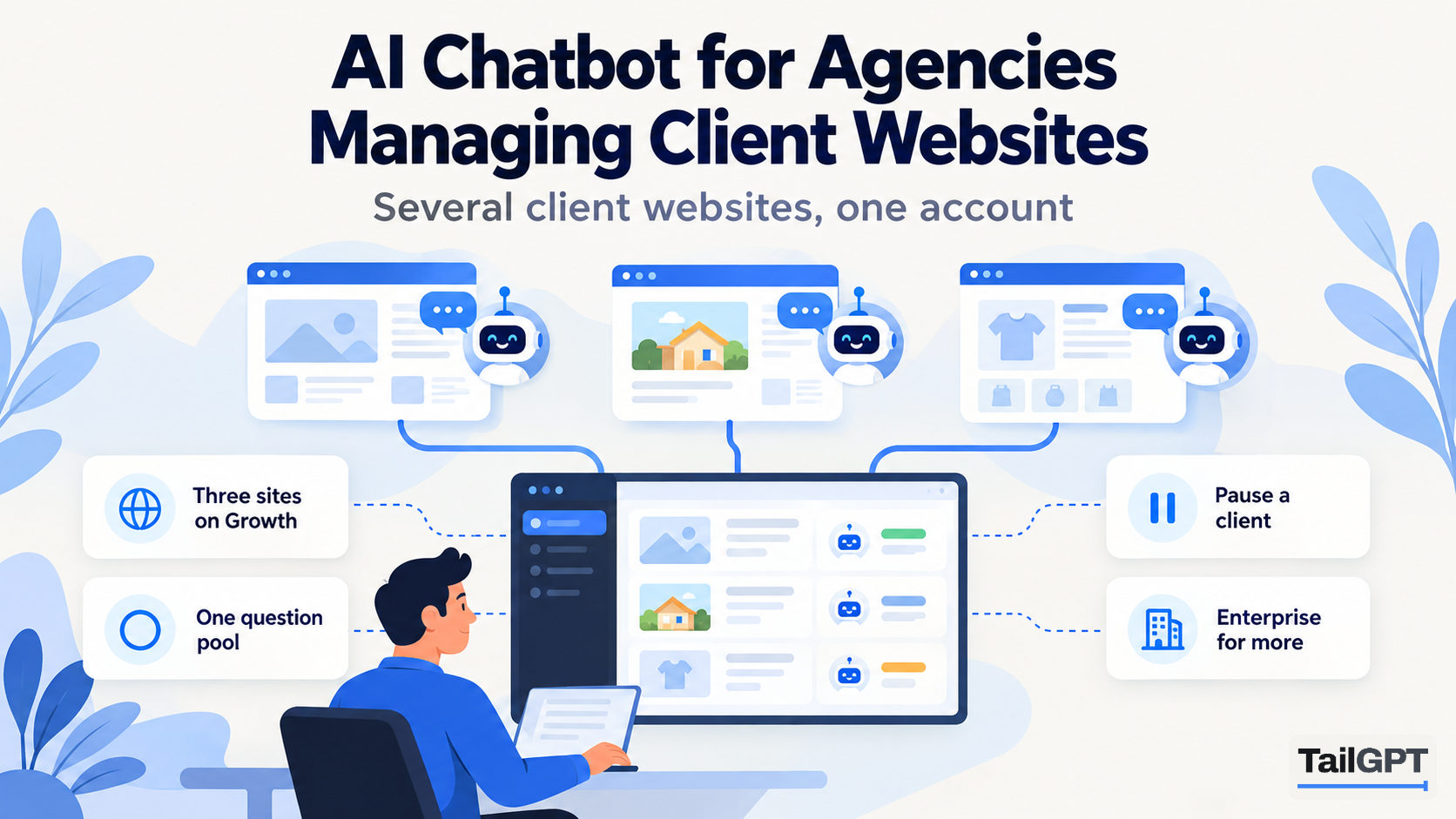
An agency that builds and looks after websites for clients gets asked about chatbots sooner or later. The client has seen one on a competitor's site and wants one too, and the agency wants to offer it without taking on a new job it cannot run.
TailGPT can hold several client websites in one account, and for a small agency that can work well. It also has limits an agency should know about before it promises anything: one owner, one bill, one shared pool of questions, and no white label. This guide sets out both honestly. Plan figures are as of 4 October 2026.
Can an agency run chatbots for several client websites from one account?
Yes, up to the number of websites your plan allows to be live at once. A TailGPT plan sells websites that may be running at the same time, and every other limit is shared across them:
| Starter | Growth | Enterprise | |
|---|---|---|---|
| Price | ₹4,000 a month | ₹8,000 a month | Custom |
| Websites live at once | 1 | 3 | Up to 1,000 |
| Pages read, shared across websites | 1,000 | 7,500 | Up to 1,00,000 |
| Chatbots | 1 | 3 | Up to 10,000 |
| Questions a month, one pool | 4,000 | 10,000 | Up to 5,00,000 |
| Website re-reads a month, one pool | 2 | 8 | Up to 2,000 |
So Starter is one client. Growth is up to three client websites, each with one chatbot, or fewer websites with more chatbots between them. Beyond three, Enterprise is priced on request. Current figures are on the pricing page.
How do websites, pages and chatbots work across clients?
Each client's website is added separately, read separately, and answered from separately. A chatbot answers from one website, so a chatbot built for a dental clinic never answers from the furniture shop's pages, even in the same account.
- Pages are pooled. On Growth, 7,500 pages are shared by every website you run. The page picker shows how many of them your other websites are holding, so you can see what is left before you tick a new client's pages. Uploaded documents do not count against pages.
- Each chatbot has its own look. Name, logo, brand colour, greeting and corner are set per chatbot, so every client gets a bubble in their own colours, with a live preview to show them before it goes up.
- Each chatbot's code is tied to its client's site. The line of code works only on the hostname of the website the chatbot answers from, with or without
www. If a client needs it on a staging domain or a second address, ask TailGPT to add it; there is no screen for that. - Live means live. A chatbot's card shows Live only when TailGPT sees its bubble loading on the client's site, so you can confirm an install without asking the client to check.
A client with a clear buying section and a clear help section can have two chatbots on one website, a Sales one and a Support one. How to run separate Sales and Support chatbots shows the setup, and it uses two of your chatbot slots.
How are questions shared between clients?
Questions are one pool for the whole account, shared by every chatbot on every client's website. On Growth that is 10,000 a month between all your clients, not 10,000 each. Re-reads work the same way: 8 a month on Growth across every website, not 8 per site.
This is the part an agency most needs to plan for. Say you run three clients on Growth: a coaching institute in Pune, a dental clinic and a hardware shop. In admission season the institute's bubble takes 7,000 questions by the twentieth of the month. That leaves 3,000 for the other two, and when the pool runs out, every bubble on every client's site goes quiet until the month resets, you upgrade, or you buy a top-up of questions. One client's busy month can switch off another client's chatbot.
TailGPT emails the account at 80% and again at 100% of the month's questions, so you get warning. Each chatbot's card shows how many questions it has answered, so you can see which client is using the pool. Top-ups are questions only, never expire, and are used only after the month's plan allowance. A refused question, such as someone trying to give the bot orders, does not use the pool; a question a client's pages do not cover does. How many chatbot questions a month does your site need? covers sizing.
A failed payment works the same way across clients: it is treated like an expiry, and every client's bubble stops that day. Nothing is deleted, and renewing brings them all back.
What happens when a client leaves or pauses?
Switch their website off. Switching a website off keeps everything, its pages, its uploaded documents and what TailGPT read from it, and stops it answering. Its pages go back into the account's pool for your other clients. If the client comes back, switch it on again with no re-read needed. Switching on is refused if you are already at your plan's limit of live websites, or if that site's pages no longer fit in the pool; the refusal names the numbers.
Deleting a website is permanent for its pages and documents, but it keeps the chatbots that answered from it. They wait, answering nobody, until you point them at another website. That lets you reuse a chatbot slot for a new client: point the chatbot at the new client's website, restyle it, and paste its line on the new site. Ask the old client to remove the line from theirs.
A downgrade follows the same rule. Nothing is deleted; websites over the new limit are switched off and kept, and upgrading again brings them back without a re-read.
What does TailGPT not offer agencies?
TailGPT is built for one business running its own websites, and several things agencies often want are not offered:
- No client sub-accounts or team seats. An account has one owner and one login. Your clients cannot log in to see their own chatbot, and your staff cannot have their own logins under your account.
- One bill. The account has one plan, paid monthly by card. There is no per-client billing or invoice split.
- No white label. Every chat window ends with a small "Powered by TailGPT" line, and it cannot be removed.
- No reseller pricing, API or exports. None of these is offered. You can read a client's conversations in Show chats, but there is no export to send them.
Some other chatbot tools do sell some of these: team seats, extra users, or a paid add-on or higher plan that removes their branding from the widget. They usually sit above the entry plan. If seats or your own branding are essential to how you sell, check which plan includes them before you compare anything else; website chatbot pricing models, compared explains how different plans count what you pay for.
Should each client have their own TailGPT account?
Often, yes. Many agencies give each client their own account, because it keeps each client's questions, bill and conversations separate.
| One agency account | An account per client | |
|---|---|---|
| Plan | One plan for every client | Each client on its own plan, from Starter at ₹4,000 a month |
| Questions | One pool; a busy client can empty it for all | Each client's month is its own |
| Billing | One card, one bill | The client can pay directly |
| Who reads the chats | You, then report to the client | The client, if they hold the login |
| Trying it first | One free trial for the account | Each new account that has never had a plan gets the free trial |
| Leaving | You switch the client's site off | The client keeps their account |
The free trial is worth using here. An account that has never had a plan can add one website, have up to 500 of its pages read, create one chatbot and ask it 20 test questions in the dashboard, with no card. That is enough to sit with a client and show them answers from their own site before anybody pays. The line of code appears once a plan is chosen.
One agency account suits a small agency with two or three low-traffic client sites that it manages entirely itself. An account per client suits clients with busy sites, seasonal rushes, or a wish to see their own conversations.
When should an agency talk to TailGPT about Enterprise?
When you want more than three client websites in one account. Enterprise allows up to 1,000 websites live at once, up to 1,00,000 pages, up to 10,000 chatbots and up to 5,00,000 questions a month, priced on request through the contact button on the pricing page. Ask about your clients' combined traffic as well as the website count, because the questions are still one pool. Nothing on the pricing page says Enterprise changes the points above: plan on one owner, and on "Powered by TailGPT" still showing.
How do you set up a chatbot for a client?
The same way any owner does, once per client:
- Add the client's website and tick the pages that answer their customers' questions.
- Upload anything that is not on the site: a price list, a brochure, a policy document.
- Create a chatbot, point it at that website, and choose a role: Support, Sales, FAQ or your own instructions.
- Set the client's name, logo and colours, and show them the live preview.
- Ask it the client's real questions with Try demo, including a few their site does not cover.
- Paste the line of code before
</body>in the client's site builder, and wait for Live.
The full flow is on how it works, and how to add an AI chatbot to your website covers where the code goes on common builders.