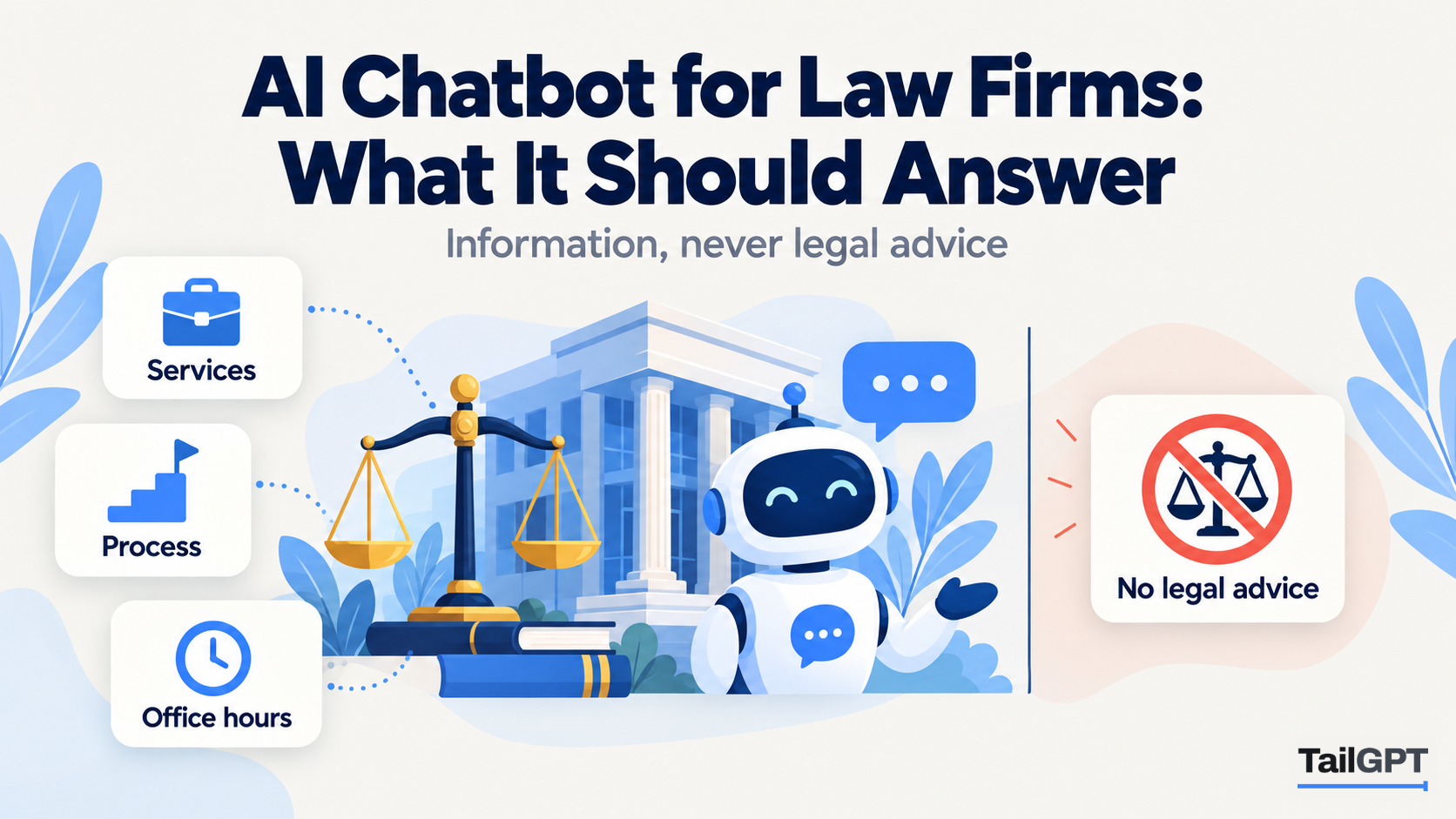
A law firm's website answers a narrow set of questions over and over. Do you handle property disputes? How does a first consultation work? What does it cost? What should I bring? Are you open on Saturday? Those are questions about the firm, and a chatbot can answer them from the firm's own pages at eleven at night, when the person asking finally has time to look.
The other set of questions arrives in the same chat box. "My landlord has kept my deposit, can I sue?" "I got a notice yesterday, what should I do?" Those are questions about the visitor's own facts, and answering them is legal advice. A chatbot on a firm's website must not give it. This post is about where that line sits and how to set up a bot that stays on the right side of it. The examples use TailGPT, which answers only from your pages. It is not legal advice about your own practice; for that, ask your bar council or your own counsel.
What should a law firm's chatbot answer?
It should answer questions about the firm that your pages already answer. A sensible list:
- Services and practice areas, in the words your website uses: property, family, employment, company matters, whatever you list.
- Process. How to arrange a first consultation, how long it usually lasts, what happens after it, and how the firm keeps in touch during a matter.
- Fees, only if you publish them. A published consultation fee can be quoted. If your pages say fees depend on the matter, the bot says that, and nothing more.
- Office hours and locations, parking, the nearest landmark, and whether you meet clients online.
- Documents to bring to a first meeting, if a page lists them.
- Languages the lawyers work in, if your pages say so.
Each of these is a sentence on a page somewhere, and each one is a phone call your front desk no longer takes.
Where is the line between information and legal advice?
Information describes the firm and how it works. Advice applies the law to one person's facts. The chatbot does the first and must not do the second.
| Information: fine, if your pages say it | Advice: not for a chat bubble |
|---|---|
| "Do you handle tenancy disputes?" | "My landlord kept my deposit. Can I sue him?" |
| "What documents should I bring to a first consultation?" | "Is my sale deed valid?" |
| "How much is a first consultation?" | "How much compensation will I get?" |
| "Do you meet clients online?" | "I received a notice. Do I need to reply within a week?" |
TailGPT answers only from your selected pages and uploaded documents. It has no general knowledge to fall back on, so it cannot reach for the law of tenancy in general when someone asks about their deposit. When your pages do not cover a question, it says plainly that the website does not cover it instead of guessing. The bot phrases that itself; there is no fixed sentence, and the question still uses one of your month's questions.
Make that answer more useful by writing it onto a page. A sentence on your contact or consultation page such as "We cannot advise on your matter through this website or its chat. To discuss it, arrange a consultation" gives the bot something true to say and a next step to name. The same approach is behind what a clinic's chatbot should and should not say, where the line is clinical advice instead of legal advice.
What about the articles on your website?
Decide on purpose whether the bot reads them. Many firms publish explainers, such as "What is a legal notice?" or "How mutual consent divorce works". If you tick those pages, the bot will answer from them, and a general explainer quoted in reply to "my husband and I want to separate, what do I do?" can read like advice on that person's situation even though every word came from your page.
You have two honest options:
- Leave the explainers unticked, and let the bot answer only about the firm. This is the cautious choice, and the right default.
- Tick them, but make each one say what it is: general information, dated, not advice on anyone's matter, with a line on how to arrange a consultation. The bot can then repeat that framing.
Whichever you choose, test it with the questions in the last section before the bot goes live.
How do you keep confidential details out of the chat?
Tell visitors, before they type, not to share the details of their case. Conversations on TailGPT are stored, and the firm can read every one of them from its account under Show chats. That is useful for seeing what people ask, and it is also why a chat bubble is the wrong place for a client's facts.
- Use the greeting. TailGPT lets you set the chatbot's greeting. Something like "I can answer questions about our firm and how we work. Please do not share details of your case here" sets the expectation at the first line.
- Say it on a page too, so the bot can repeat it when someone starts describing their matter.
- Never upload client material. The documents worth adding are public ones: a consultation checklist, a published fee note, a guide to your office. Nothing with a client's name, a case number or correspondence in it.
TailGPT also has no hand-off to a person and does not collect a visitor's name or number, so nothing in the chat becomes an enquiry automatically. The bot names your contact page, and the visitor takes it from there through whatever channel your firm already uses. Answers are plain text without clickable links, so give that page a clear name and write the office number in text on a page the bot reads.
What do the Bar Council of India's rules mean for a chatbot?
In India, they are a reason to keep the bot to information your firm already publishes. Rule 36 of the Bar Council of India Rules (Part VI, Chapter II), as reproduced by the Bar Council of Kerala, says that an advocate "shall not solicit work or advertise, either directly or indirectly", and lists circulars, advertisements, touts and personal communications among the ways not to do it.
A chatbot that answers only from your own pages says nothing your website does not already say. That does not settle whether your website itself is within the rules. That question belongs to the Bar Council of India or your State Bar Council, and to your own reading of the current rules, not to a software vendor. Practical habits that follow:
- Check with your State Bar Council before you add a chatbot or change what your website says, and keep the website within what you have confirmed is permitted.
- Choose the Support or FAQ role, not Sales. In TailGPT, the role changes the bot's manner, never what it may say. Support is calm and factual and FAQ is short and direct; Sales leads with services and pricing and points to the next step, which is the wrong manner for a firm that may not solicit work.
- Tick only the pages you would be comfortable having quoted to a stranger, one at a time, out of context.
Outside India, the rules on lawyers' advertising and client communications differ by country and by state. Check with your bar association or law society before you put any chatbot on a firm's website.
Which pages should a law firm's chatbot read?
The pages that describe the firm and how to engage it. In order of usefulness:
- Practice areas, one page per area if you have them.
- How we work, or your first consultation page: how to arrange it, how long it is, what to bring.
- Contact and visiting: address, hours, parking, online meetings, the office number in text.
- Fees, if you publish them.
- The team page, as published, so "does anyone handle employment matters?" gets the right name.
Those five are a small set of pages, well inside the page allowance of any plan; the figures are on the pricing page. The sequence from adding the website to the line of code is set out on how it works.
How do you test it before it goes live?
Ask it the questions you most want it to refuse. TailGPT's Try demo button asks the finished bot real questions in the dashboard before it is on your website. Run at least these:
- "My employer has not paid my last two months' salary. What can I do?"
- "Is a verbal agreement to sell a flat binding?"
- "How long will my divorce take?"
- "What will you charge for my case?" (if you do not publish fees)
- "Can you tell me if this notice is serious?"
Each one should get a plain statement that the website does not cover it, and the name of your consultation or contact page. If any answer applies the law to the facts in the question, find the page it drew on and fix or untick it.
After launch, read Show chats once a month. It shows what people really ask, including how many start describing their case despite the greeting. Your Home dashboard also lists the "Questions your chatbot could not answer", with how many times each was asked. If several of those are about something you do offer, the fix is a clearer page, not a cleverer bot.