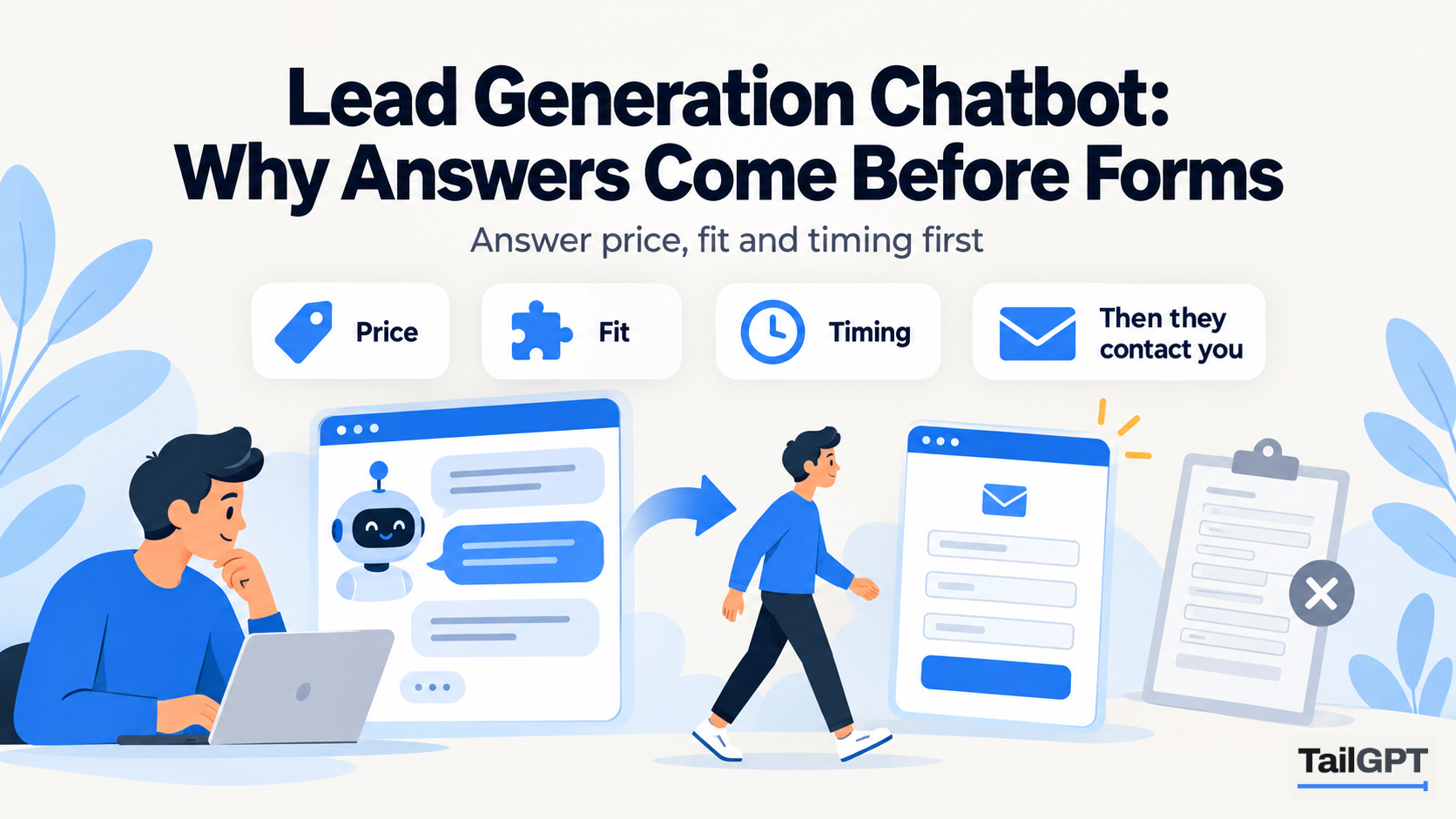
Most lead generation chatbots open the same way: a friendly greeting, then a box asking for your name and email before anything useful happens. The bot gets an address, and the visitor gets a promise that someone will be in touch. Plenty of visitors close the tab at that point, because they came with a question, not an introduction.
This post argues for the other order: answer first, and let the visitor come to you. It is also honest about what TailGPT does not do, because if your plan depends on the chat window itself collecting leads, TailGPT is the wrong tool, and the section on lead capture below says what to look for instead.
Does TailGPT collect leads?
No. TailGPT does not ask visitors for an email address, shows no forms, and has no hand-off to a person or live chat inbox. It cannot take a booking or an order, and it sends nothing to a CRM, because it has no API, webhooks or Zapier connection.
Visitors need no account and are never asked who they are. In your dashboard they appear as labels like "Visitor A1B2C3", not as names.
What TailGPT does is answer questions from your website's selected pages and uploaded documents, and say plainly when those do not cover something. With the Sales role, it ends its answers by pointing to the next step your pages describe. The lead itself is caught by whatever your site already uses: the contact form, the phone number, the WhatsApp link on your contact page, the booking page.
Why should answers come before forms?
Because a visitor has questions to settle before they are ready to talk to you, and a form does not settle any of them. Before somebody fills in an enquiry form, they usually want to know three things:
- Price. Is this roughly what I can afford, or am I wasting a call?
- Fit. Do you do the thing I need, for someone like me, where I am?
- Timing. When can it happen: delivery, the next batch, the first free appointment?
A form-first bot asks for an address before answering any of these. An answer-first bot settles them, then points to the form. The visitor who goes on to fill it in has already read your price and checked the fit, so the enquiry you receive is from somebody who has decided you might be right, not somebody fishing for a figure.
Take an interior design studio in Bengaluru. A visitor on its services page asks: "Do you do full home interiors for a 2BHK in Whitefield, and how long does it take?" If the services page lists 2BHK packages, names the areas it covers and gives a typical timeline, the bot answers all three in a few lines, then points to the consultation booking page. The visitor books knowing the answer, and the studio's first call starts at the design, not at "do you work in Whitefield?"
The same logic applies to a coaching institute in admission season, a clinic taking new patients, or a shop selling something that needs explaining. Answering does not replace your contact form; it sends better-prepared people to it.
What does the Sales role do with a buying question?
It answers warmly and directly, leads with what your business offers that answers the question, and ends by pointing to the next step your pages describe: a product page, a way to get in touch, a place to order. It only offers what your pages say exists.
These answers are illustrative, for a coaching institute whose pages cover batches, fees and admissions; real wording varies with your pages.
| Visitor asks | Illustrative Sales answer |
|---|---|
| Is there a weekend batch for JEE in Class 11? | Yes, the Class 11 JEE programme has a weekend batch on Saturdays and Sundays. The fees and the admission steps are on the admissions page, and you can book a counselling call from there. |
| Can I try a class before paying? | Yes, the institute offers a free demo class for new students. You can book one on the demo class page, or call the office on the number on the contact page. |
| Do you have a centre in Nashik? | The website does not mention a centre in Nashik. The locations page lists the centres it does cover. |
Notice the third row. A Sales bot does not invent a centre, a discount or a "we can probably arrange it" to keep the lead warm. If your pages do not say it, it does not say it, and that is what makes its answers safe to act on. Which promises a sales bot must never make is covered in AI sales chatbot: answering questions before purchase, and the four roles are compared in how to set your chatbot's role.
Which pages must a sales chatbot be able to read?
Every page that holds a next step, plus every page that answers price, fit and timing. The Sales role can only point to what it has read, so a contact page that is not ticked is a next step the bot cannot name.
| Page | What it lets the bot say | Next step it can point to |
|---|---|---|
| Contact | Phone, WhatsApp number, email, address, hours | Call, message or visit |
| Pricing or fees | What things cost and what is included | The plan or package page |
| Booking or appointments | How to book a visit, a call or a demo | The booking page itself |
| Products or services | What you offer and who it suits | The product or service page |
| Delivery or service area | Where you deliver or work, and how long it takes | The order or enquiry page |
Two details matter here. First, TailGPT removes any email address or phone number from an answer if it appears in none of the pages it read, while your own published contact details pass through. So your number has to be written on a ticked page for the bot to give it. Second, a contact page that is only a form, with no words around it, gives the bot little to say. Add one or two plain sentences: "Call or WhatsApp us on this number, Monday to Saturday, 10am to 7pm. We reply to form enquiries within one working day." Those sentences become the bot's closing line.
When you change a page, press Re-crawl so TailGPT reads it again; there is no automatic refresh.
Where should you put a sales chatbot?
On the pages where visitors are deciding: pricing, product and service pages, the booking page, and any landing page your ads send people to. These are the pages where a quick answer to "is this for me?" is most likely to turn into an enquiry.
The bot is added with one line of code, pasted before the closing </body> tag, and each chatbot has its own line. That lets you run a Sales bot on product pages and a Support or FAQ bot on your help pages, both answering from the same website, each with its own role, colour and greeting. Put one bot's line on any given page so visitors see one bubble.
The number of chatbots is a plan limit. As of 4 October 2026, Starter is ₹4,000 a month with one chatbot and Growth is ₹8,000 a month with three; the full table is on the pricing page. Every chatbot draws on the account's one monthly pool of questions, and one question is one question whichever bot answers it.
What if you need the chat itself to capture leads?
Then choose a tool that documents lead capture, because TailGPT does not have it. If your sales process depends on collecting an email inside the chat, or on handing a hot visitor to a salesperson mid-conversation, several website chatbot builders offer it. They describe it in different ways, as a form, an action or a separate agent, so check what each one actually does before you buy:
| What to check | Why it matters |
|---|---|
| Is it a form at a set point, or does the bot decide when to ask? | A form that appears before any answer is the form-first pattern this post argues against. Decide what your visitors will put up with. |
| Which plan includes it? | Lead forms and escalation often sit on a higher plan or an add-on, not the entry plan, so the price you compared may not include them. |
| Where do the details go? | A list in the tool's dashboard, an email to you, or your CRM through an integration. A lead nobody sees until Friday is a lead gone cold. |
| Can it pass a chat to a person? | Escalation to live chat only helps if somebody is watching the inbox during the hours it is offered. |
| Do the extra turns count against the allowance? | On tools that count messages or credits, the questions a form asks may use the allowance too. |
Most of these tools also offer channels or integrations beyond the website, which TailGPT does not. What to compare in a website chatbot builder and website chatbot features that matter in month one go further.
TailGPT is the better fit when your site already has a contact route that works and what you lack is answers: visitors leave because they cannot find the price, the area you serve or the next batch date. If your team answers enquiries during working hours, AI chatbot or live chat covers how a bot and a person divide the work.
How do you tell whether it is working without lead capture?
Compare your enquiries before and after, and read what visitors asked. There is no lead count inside TailGPT to point at, so the evidence is in your own inbox and phone log.
- Count a baseline. Before the bot goes live, count contact-form submissions, calls and WhatsApp messages per week for four weeks. Note anything unusual, such as a sale or an ad campaign.
- Count the same weeks after. Compare like with like: four ordinary weeks against four ordinary weeks, not admission season against a quiet month.
- Look at quality, not only volume. Fewer "how much is it?" calls and more enquiries that start at the right question is a result, even if the total barely moves.
- Ask. Add one line to your first reply or your call script: "Did you use the chat on our website before getting in touch?"
- Read Show chats. Filter to the last 30 days and search words like "price", "fees", "book", "visit" and "call". Check that the bot pointed to the right next step, and read where conversations stopped.
- Watch the unanswered count. The dashboard lists the questions your pages could not answer, with how often each was asked. A buying question your site does not answer is an enquiry you may have lost, so write that answer onto the page.
None of this gives you a precise figure for leads won. It does tell you whether visitors are getting the answers that come before an enquiry, and which pages to fix when they are not.